CGHOW

keep learning

Friday, July 6, 2018

July 06, 2018

ASURA | www.CGHOW.com |


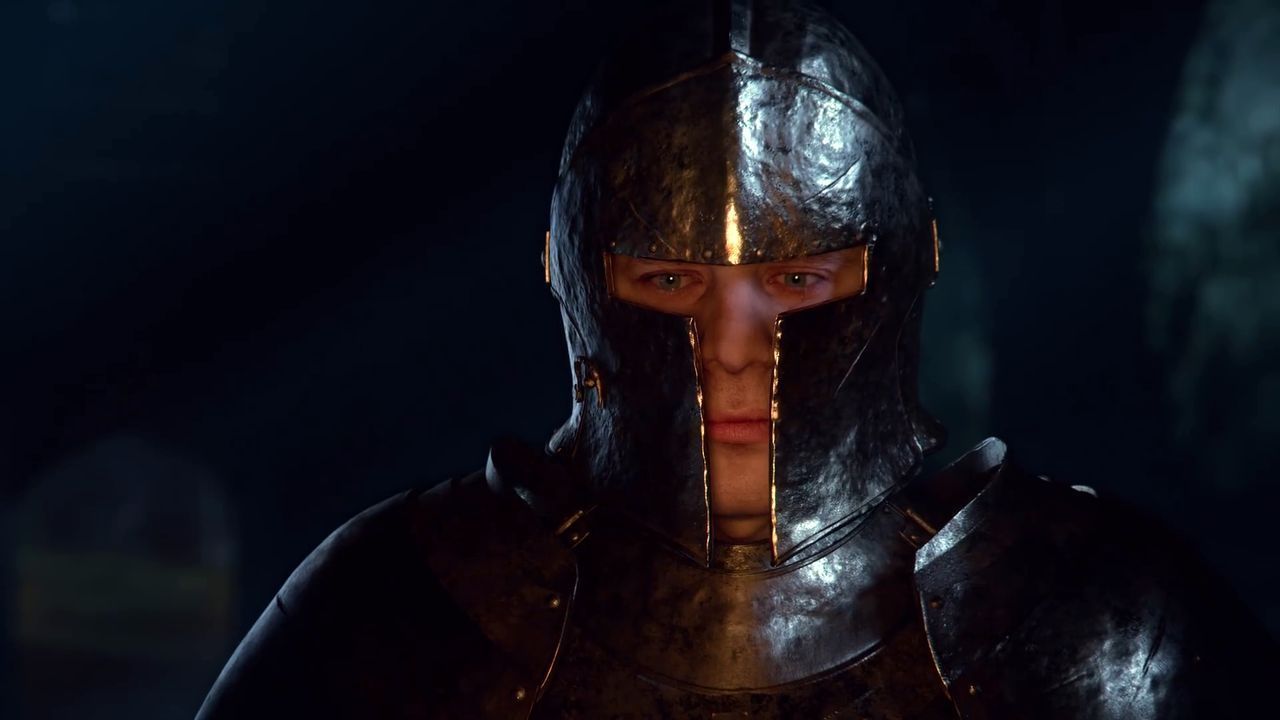
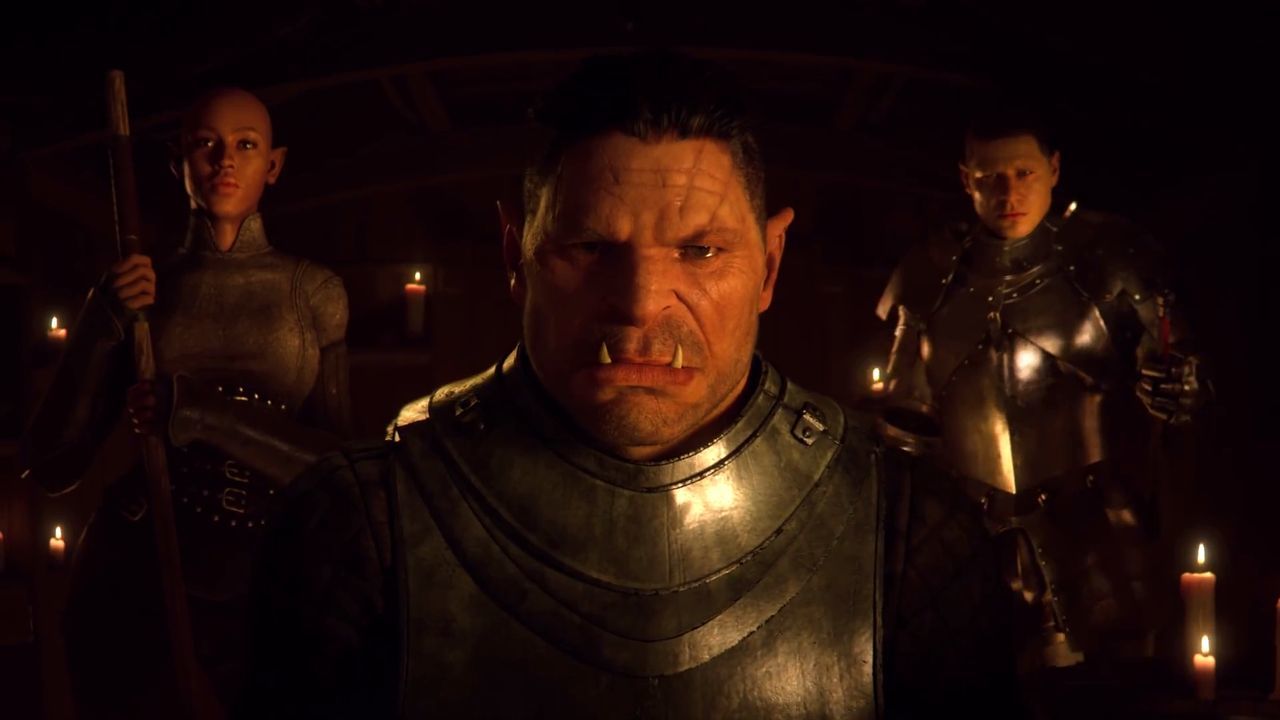
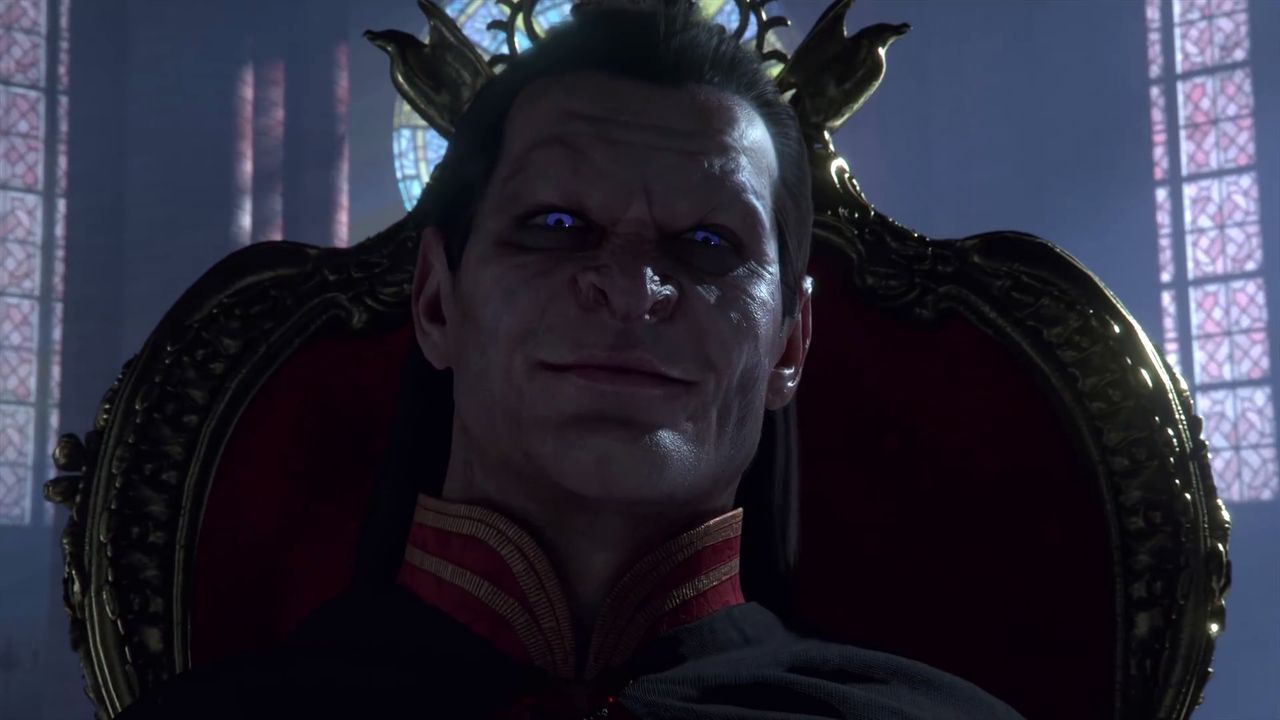
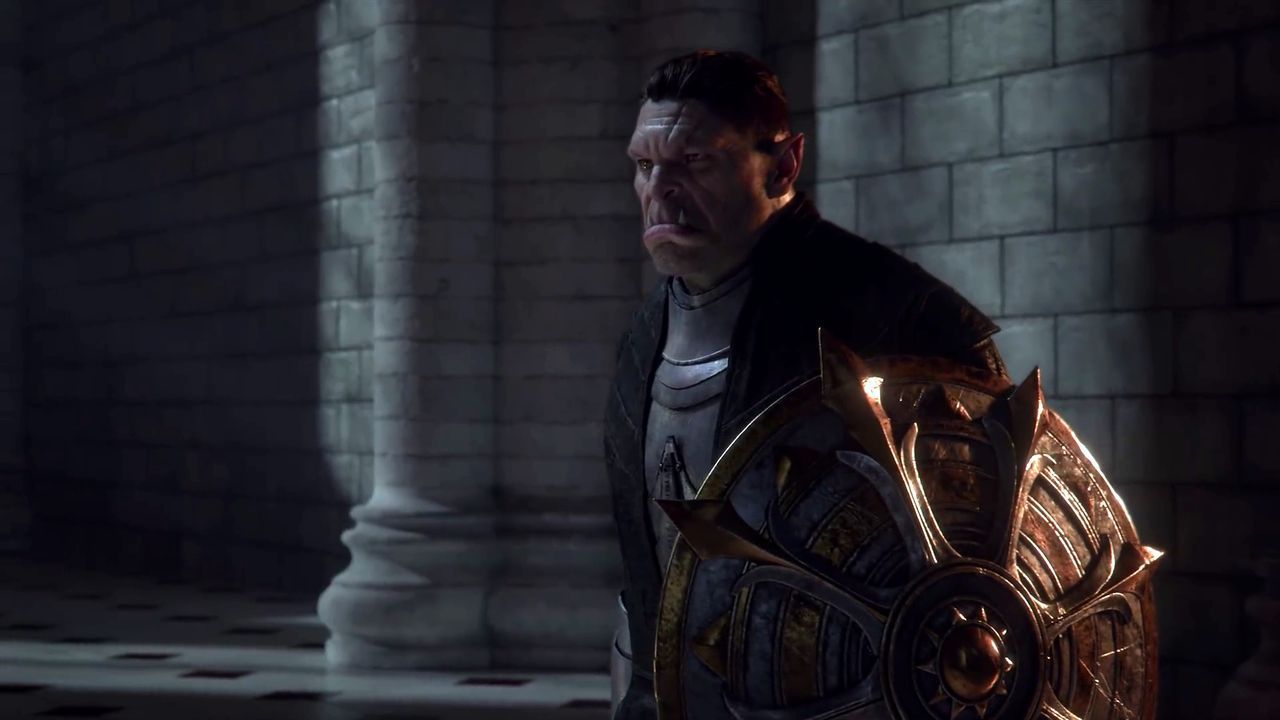
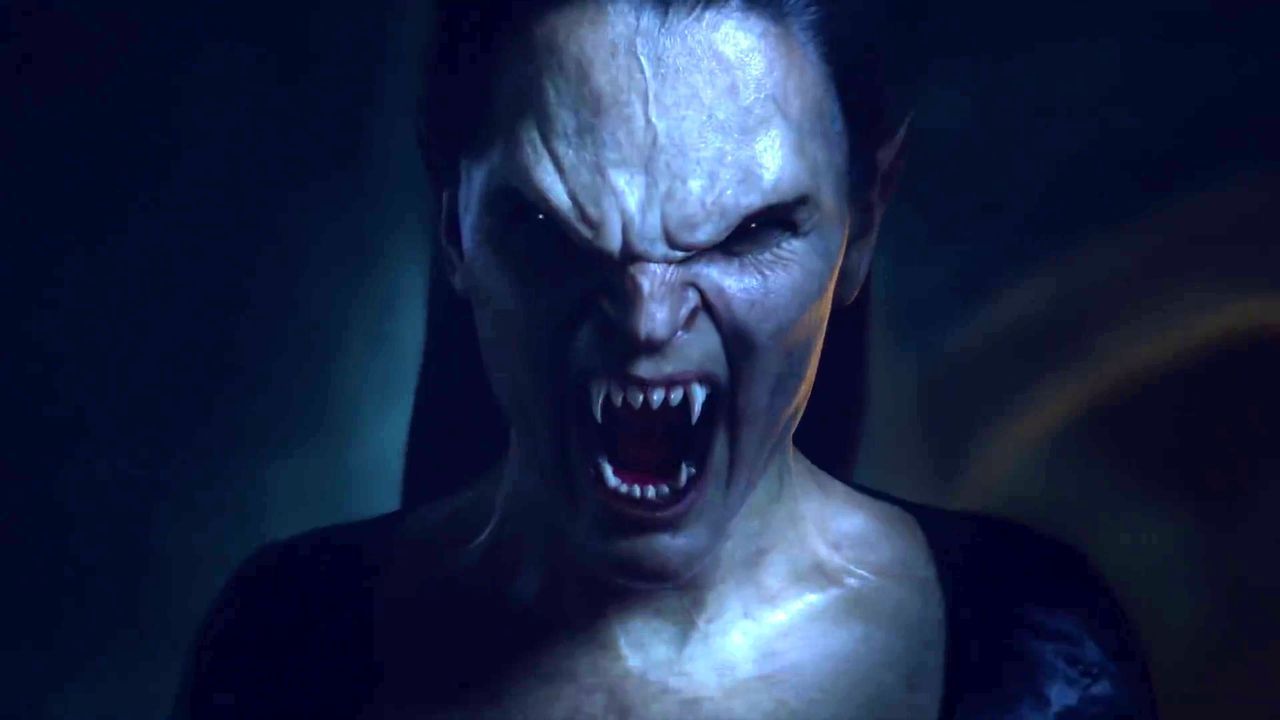
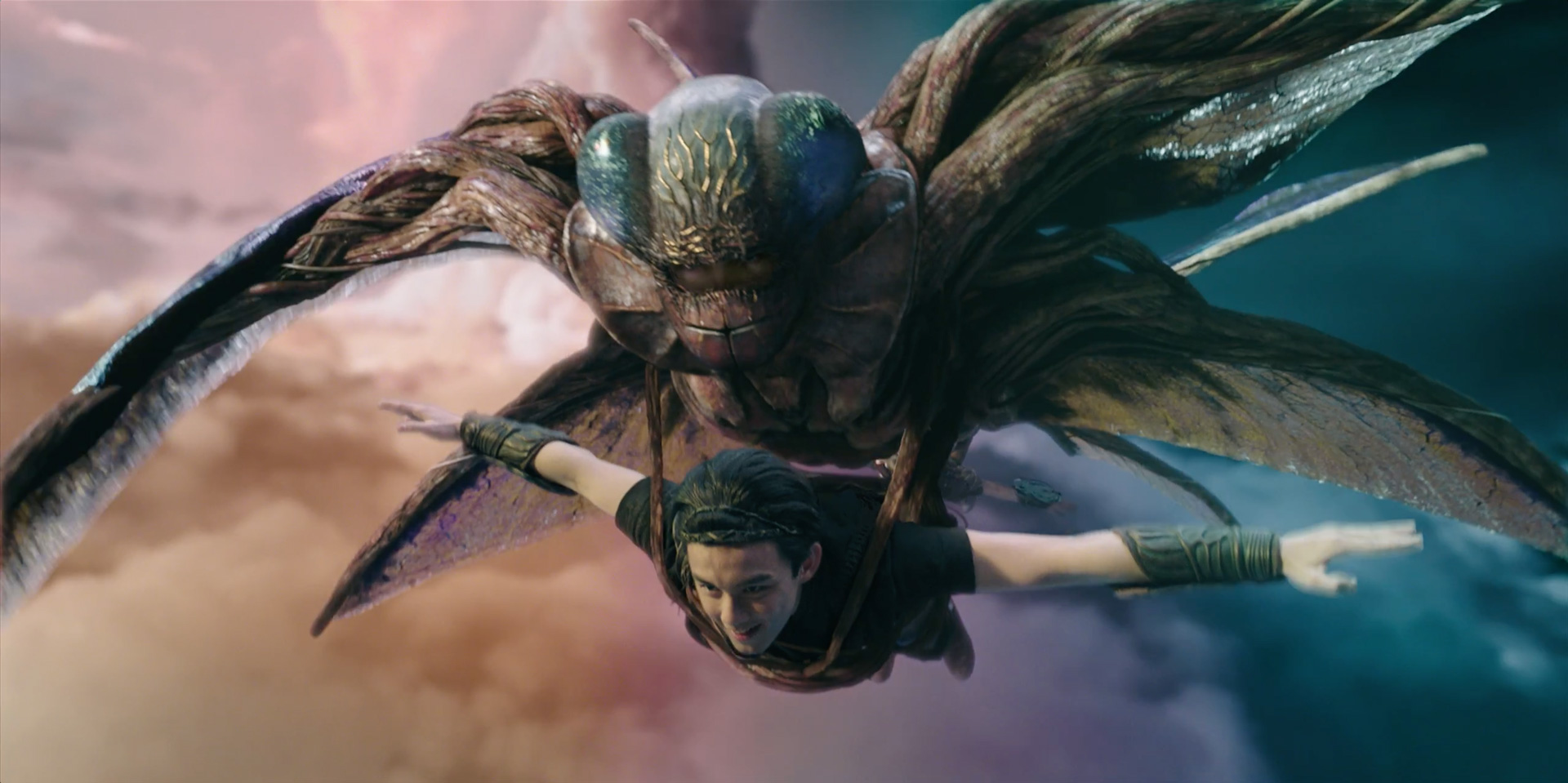
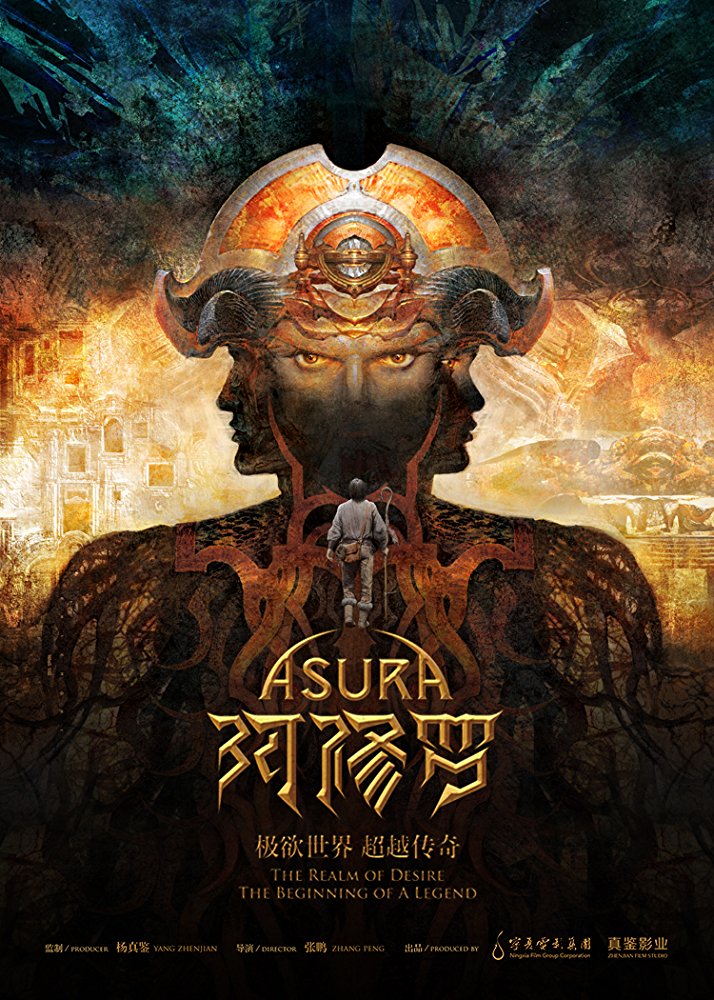
Brand new trailer for ASURA:


The VFX are made by:
Ollin VFX (VFX Supervisor: Yabin Morales)
Tippett Studio (VFX Supervisor: Eric Leven)
Mr. X (VFX Supervisor: Olaf Wendt)
Rodeo FX (VFX Supervisor: Laurent Gillet)
CGF (VFX Supervisor: Pavel Bezborodov)
Lola VFX (VFX Supervisor: Cliff Welsh)
Aaron Sims Creative (VFX Art Director: Steffen Reichstadt)
Mammal Studios (VFX Supervisor: Gregory Oehler)
VFX Legion (VFX Supervisor: James David Hattin)

The Production VFX Supervisor is Charlie Iturriaga.

Director: Peng Zhang
Release Date: 13 July 2018 (China)


July 06, 2018

iToo Software releases RailClone 3.2 for 3ds Max | www.CGHOW.com |


RailClone 3 release trailer from iToo Software on Vimeo.

Originally posted on 19 July 2017. Scroll down for news of the 3.2 update.

iToo Software has released RailClone 3.0, the latest update to its parametric modeling plugin for 3ds Max, adding a new RailClone Color map type for randomising textures across objects, and a new macro system.

Randomise colours and texture maps across instanced and non-instanced geometry
Based on the Forest Color map type from scattering plugin Forest Pack, RailClone Color creates texture variations across a scene, randomising maps and tints applied to objects.

It supports up to 20 source texture maps, is compatible with both instanced and non-instanced geometry, and supports both the V-Ray and Mental Ray renderers.

It can also sample colours from within an individual source map: in the video above, you can see the toolset in use to map the RailClone logo across blocks of seats in a sports stadium.

New macro system creates complex custom modelling tools
The other big feature in the release is the new macro system, which packages entire sub-graphs within a single Macro node within the Style Editor, RailClone’s node-based modelling environment.

Each Macro node can be assigned its own custom inputs, outputs, and properties, making it possible to create complex custom procedural modelling tools that can be exported and shared with other users.


You can see the scope of the tools that can be created in Factory Fifteen’s launch promo for software synth Photos (making-of above), in which macros were used to create the wave-like effects in the cables.

New Style Linking option, more built-in libraries of architectural model parts
Other new features in RailClone 3.0 include Style Linking, in which changes performed on one RailClone object automatically propagate to another linked object.

For anyone modelling buildings, there are also new libraries of ready-made model parts for roof tiles, hips and ridges, and cladding. You can find a full list of new features in the online release notes.


Updated 5 July 2018: RailClone 3.2 is out. The update makes RailClone compatible with V-Ray Next and Corona Renderer 2, the new versions of the renderers, and – for the first time – Arnold.

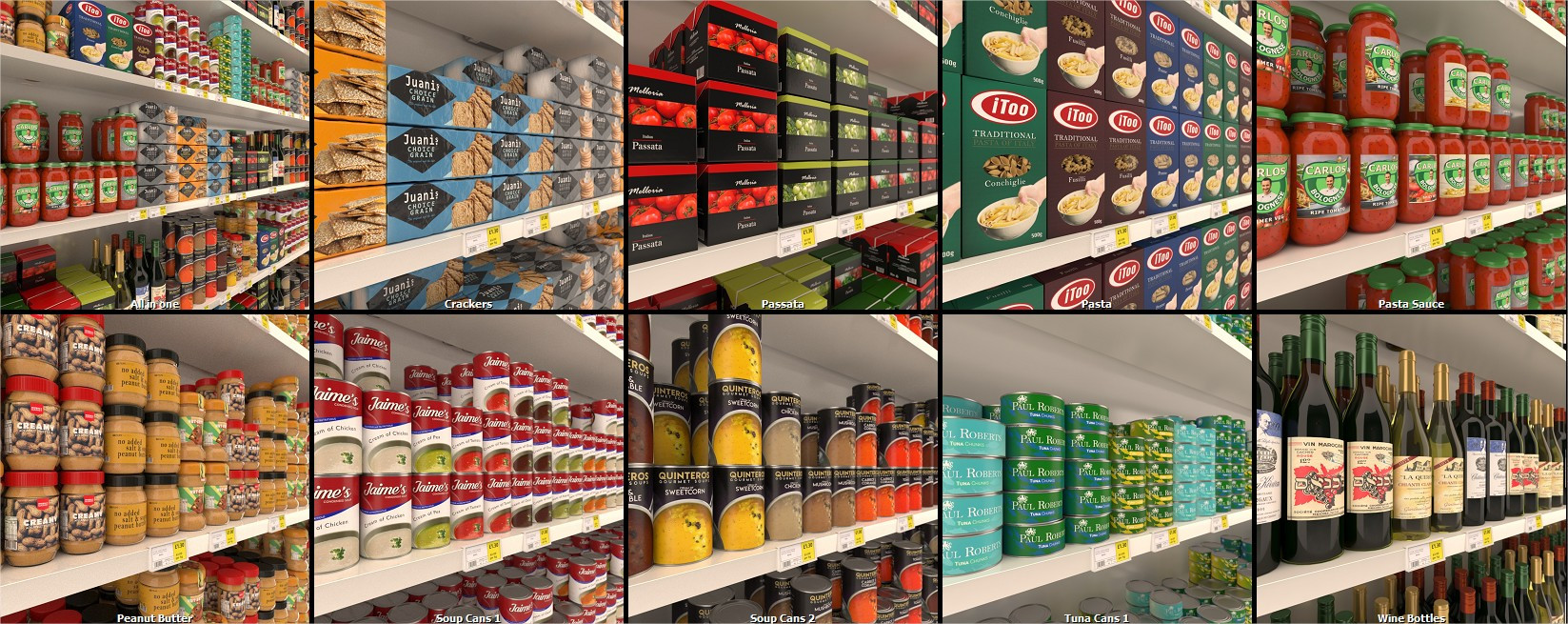
The update also adds a new library of food products that can be used to populate shop interiors.

(In a nice in-joke, if you look carefully at the labels, you can see that the brand logos are actually those of iToo itself or based on the names of its staff.)

Other changes include improvements to randomisation, support for bevelled corners in all four of the software’s default modes, and the option to assign modifiers to nested RailClone objects.

Pricing and availability
RailClone 3.2 is available for 3ds Max 2012 and above. Feature support varies between the different compatible renderers. New licences now start at €220 (around $260) including one year’s support.

There are is also a free, feature-limited Lite edition of the plugin.


Read a summary of the new features in RailClone 3.0 on iToo Software’s forum

Read a summary of the new features in RailClone 3.2 on iToo Software’s blog

Visit iToo Software online
(Download link for the Lite edition is at the foot of the RailClone product page)


July 06, 2018

Discover how Marvel designed Ant-Man and The Wasp | www.CGHOW.com |


Visitors to Gnomon’s Hollywood campus will be able to discover how Marvel Studios designed its latest blockbuster just a week after the movie hits cinemas, at The Art of Ant-Man & The Wasp.

An exclusive free talk by the firm’s concept art team, held at Gnomon on Thursday 12 July 2018, the event provides a unique opportunity to see character designs and key illustrations from the film.

See rare concept images from Ant-Man and The Wasp
Described by Variety as “faster, funnier, and more cunningly confident” than the 2015 original, Ant-Man and The Wasp returns Marvel’s size-changing superhero to the big screen.

As well as Ant-Man’s own suit, visual challenges explored in the two-and-a-half hour Gnomon presentation include costume design for new romantic interest Hope van Dyne/The Wasp.

Led by visual development supervisor Andy Park, the panel features senior concept illustrators Jackson Sze and Anthony Francisco, and concept artists Stephen Schirle, Tully Summers and Ian Joyner.

As well as showing behind-the-scenes images from Ant-Man and The Wasp, the team will discuss Marvel Studios’ design workflow, and the pivotal role that 3D tools now play in concept work.

Free to attend, but register online in advance
The Art of Ant-Man & The Wasp with Marvel Studios takes place at Gnomon’s Hollywood campus from 7.30-10.00pm on Thursday 12 July 2018. Entry is free, but you’ll need to register online in advance.

Unlike many of Gnomon’s events, the talk isn’t being Livestreamed, so you will need to be there in person. Gnomon is advising people to book their places early.

Read more about The Art of Ant-Man & The Wasp on Gnomon’s website


Full disclosure: CG Channel is owned by Gnomon – School of Visual Effects, Games and Animation.


July 06, 2018

Download Disney’s data set for Motunui island from Moana | www.CGHOW.com |


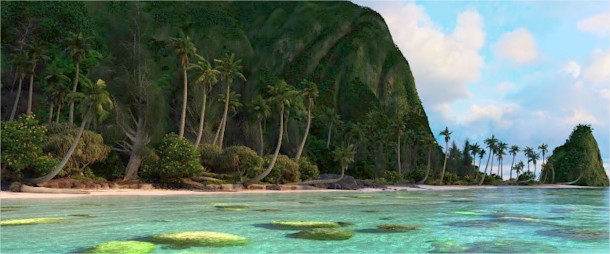
Walt Disney Animation Studios (WDAS) has released the complete data set for Motunui island from its 2016 animated feature Moana, including the ocean, coral, trees and other vegetation.

The data – a version of the actual scene used in production, modified to make it possible to render without proprietary tools – is intended for use as a standard dataset for testing rendering algorithms.

It’s also an excellent learning resource for anyone who wants to explore how production data is structured – or simply whether their hardware can render a scene of the complexity typical in feature animation.

A real production scene, comprising 15 billion instantiated primitives
According to WDAS, the data is an actual production scene, used as part of an early teaser.

It is made up of 20 elements, containing meshes with “more than 90 million unique quads and triangles along with 5 million curves”, and more than 28 million instances for leaves, debris and rocks.

When everything is fully instantiated, the scene contains over 15 billion primitives.

Geometry is provided in OBJ format, along with Ptex textures, shading information and animation. The scene contains seven cameras: the primary shot camera used in the original animation test, and six other views.

Modified for rendering without Disney’s proprietary tools
To make the scene possible to render outside WDAS – the original is based on Disney’s in-house tools, including its Bonsai vegetation generator, and the Hyperion renderer – a number of changes were made.

As well as removing some of the fine detail from geometry and materials, that meant adjusting the shot to render in a single pass, and baking or removing the ‘keep alive’ animation.

However, in some cases, the conversion work actually increased the scene’s complexity.

The original shot used an early version of WDAS’s ocean pipeline, which was upgraded to the latest techniques used in the movie, then art directed to match the look of the original ‘minimalist’ water.

You can find more information in the detailed PDF documentation that accompanies the download.

Representative of key challenges encountered in feature animation
WDAS describes the scene as representative of some of the challenges encountered in a “typical production environment”, including large amounds of instanced geometry, and complex volumetric light transport.

Although it doesn’t feature motion blur, or large numbers of light sources – two other key production challenges – it’s the closest you’re likely to come to real feature animation data in the public domain.

It’s also an incredible resource for graphics researchers: expect to see a lot more views of Motunui in tech tests and rendering demos over the years to come.

Availability and system requirements
WDAS’s Moana Island Scene is available under a custom licence that permits only research, software development and benchmarking.

As you might expect, it’s a big download: the base scene, required to render a still frame, is 44.8GB, and the animation data is a further 23.6GB. There is also a version of the data translated to work with the open-source pbrt renderer, which clocks in at a more streamlined 6.1GB.

WDAS has also released a separate volumetric cloud data set – of production complexity, but not actual production data – set up to render in Mitsuba, and available under a Creative Commons licence.


Download the Moana Island Scene from Walt Disney Animation Studios’ website


Tuesday, July 3, 2018

July 03, 2018

Create sci-fi concept art | www.CGHOW.com |

By Tyler Edlin 
Web: http://tyleredlinart.com


Leon Tukker and Tyler Edlin reveal secrets to improve your workflow when creating sci-fi concept art.


Leon Tukker chats with Tyler Edlin about his workflow and creative process, demonstrating how to create a simple model in CINEMA 4D and texture it with a tillable texture in Photoshop. Leon then reveals the techniques he uses to paint over the 3D base to create a cool sci-fi concept.


July 03, 2018

Create a real-time game character | www.CGHOW.com |

By William Paré-Jobin 
Web: https://www.artstation.com/williamp

Character artist William Paré-Jobin breaks down his 3ds Max and ZBrush process for creating a Witcher-inspired real-time game character...


Hey guys! I have made a short tutorial/breakdown to show you my process of creating a real time character for games. I hope that you'll be able to grab some tips and tricks along the way. If you have any questions, don't hesitate to ask them!

Step 1 First step first: getting the references!

Getting the references is probably one of the most important step but is unfortunately often overlooked. It's always important to get as much ref as you can get from every angle. For my Witcher, I took some of them from a history book, on the internet and from the Witcher's art books. You can also use scan and 2D ref from 3dsk.com: they have a huge library! Finally, you can also make a moodboard for the colors, lights and mood of your character. I know it's a pain to do all this extra work, but it is worth it, and IT DOES REALLY HELP!


Step 2 Sculpting: let's do the fun part!

Everything starts with a good idea, then a good sculpt. A mistake I often see is people making a rough base, and then jumping to the details. DON'T DO THIS! Don't get me wrong, details are fun to do, but the base and the silhouette are what we really see, especially in a game since the characters are often small on the screen.


Step 3: Making the hair

Creating hair for me is boring but it's also a really important step of character creation: a character without any facial hair can feel a little boring in my opinion (I made that mistake in the past, just check out some of my older projects.)


Step 4: Rendering in Marmoset Toolbag 3

Finally, once the low topology, the baking and the textures are done, you can render the character! This step is also really important: this is what you are showing in your portfolio, and what other people see! For this step, I always take the time to make solid lighting and test different camera angles. You can also create a backplane or any kind of support for your character so that it's not floating in the air!


Step 5: Final word

Thanks for staying with me till the end! I hope you add fun reading. Don't hesitate to follow me for any update or breakdown!